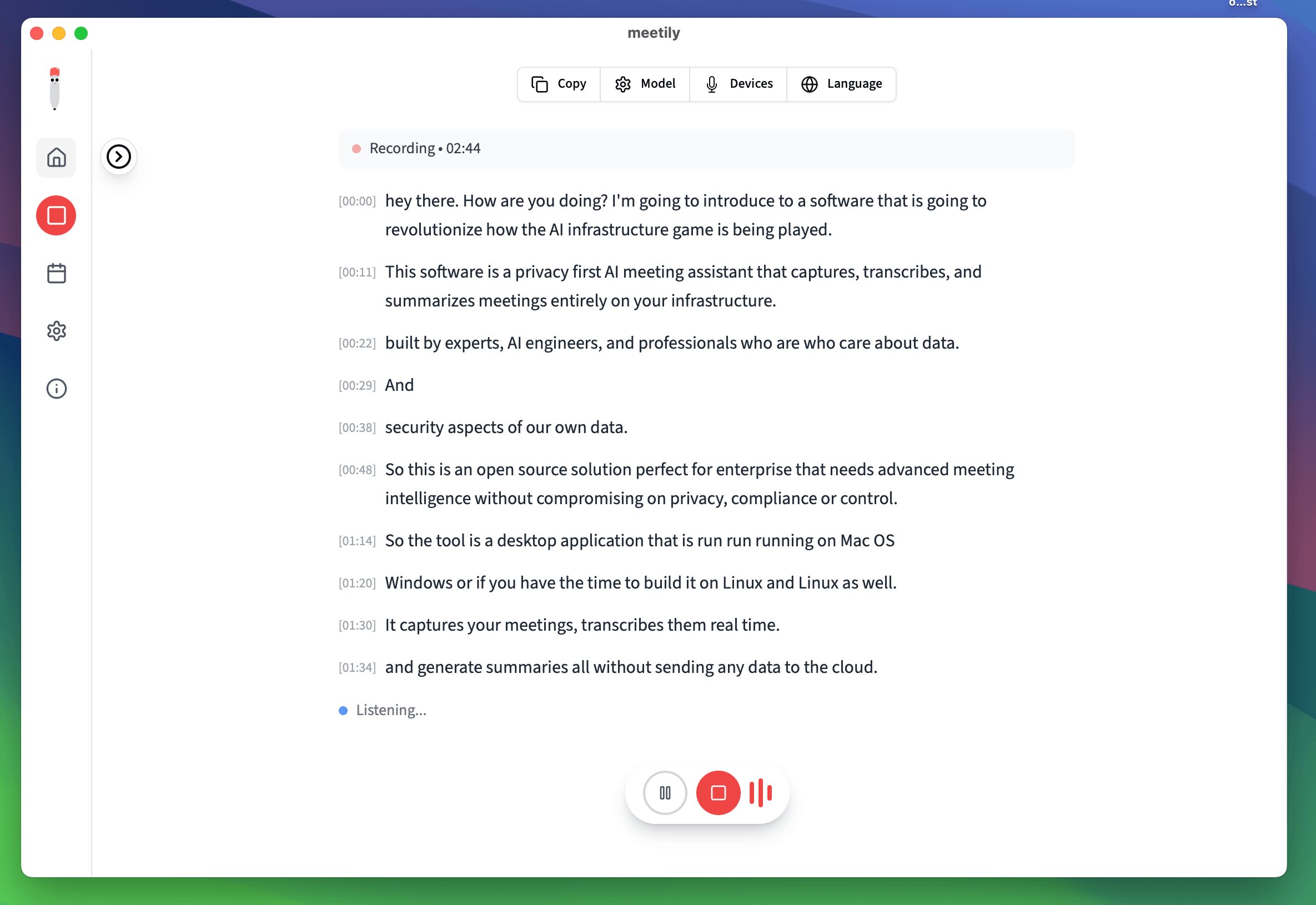
Why Teams Choose Complete Privacy
Free for individuals, custom for teams. Join organizations choosing data sovereignty over cloud sync.
Privacy Architecture: 100% Local vs Cloud Sync
See how each solution handles your meeting data
Meetily: 100% Local
Granola: Cloud Sync
| Feature | Meetily | Granola |
|---|---|---|
| Data Privacy | 100% Local | Cloud Sync |
| Cloud Dependencies | Zero | Required |
| Platform Support | Windows, macOS | Win, Mac |
| Source Code | Open Source (MIT) | Proprietary |
| Speaker Identification | Yes, On-Device | Yes, Cloud |
| Data Processing | 100% Local | Hybrid Local/Cloud |
| Customization | Full Source Access | Limited Settings |
| Deployment | Any Infrastructure | App Store / Direct download |
Privacy-First vs Cloud Sync: The Critical Difference
Why local processing and data sovereignty matter for modern teams
Complete Data Sovereignty
Meetily: All data stays on your device with zero cloud dependencies. Granola: Uses cloud sync and hybrid processing, meaning your meeting data leaves your machine.
Free for Individuals vs Subscriptions
Meetily: Free for individual use (open source). Enterprise: Custom pricing. Granola: $10-30/month per user.
Open Source vs Proprietary
Meetily: MIT licensed, full source code access, community-driven. Granola: Closed source, limited customization, vendor lock-in.
100% Local Processing
Meetily: All AI processing happens locally, zero cloud dependencies. Granola: Hybrid local/cloud processing for some features.
Team Consistency
Meetily: Same privacy-first tool for everyone on Windows and macOS, with unified workflows. Open source transparency means your team can audit the code.
Deployment Flexibility
Meetily: Native macOS and Windows apps today; Linux build-from-source available now via the open-source repo, native Linux desktop app on the waitlist (/granola-for-linux). Granola: Vendor-managed cloud distribution, no Linux desktop app.
Switch from Granola to Meetily in 3 Simple Steps
Expand your team's platform support and eliminate subscription costs
1. Export Your Granola Data
Download your meeting transcripts and notes from Granola on your Mac systems. Keep your historical data.
2. Install Meetily on All Platforms
Download Meetily for Windows or macOS. All team members can now use the same privacy-first tool.
3. Standardize Workflows
Set up consistent meeting workflows across all team members and operating systems. Enjoy universal platform support.
Looking for a private alternative to ChatGPT Record Mode? See our local-first comparison - no account, audio stays on your device.
Looking for an open-source AI note taker? See the MIT-licensed, 100% local landing page - free Community Edition for Windows & macOS.
Cross-Platform Support: Common Questions
Break Free from Platform Restrictions
Free for individuals, custom pricing for teams. Join organizations choosing universal platform support.
✅ Windows + macOS · ✅ Free for Individuals · ✅ Custom for Enterprise · ✅ Open Source
Why Choose Meetily Pro?
Privacy-First Architecture
Transcription runs 100% locally; recordings and audio never leave your device. For summaries, you choose your provider: local AI or your own API key. Compliant by design with GDPR and HIPAA workflows.
Advanced AI Features
Real-time transcription, speaker identification, action item extraction, meeting summaries, and custom AI workflows.
Priority Support
Dedicated support team, direct access to engineers, custom integration assistance, and priority bug fixes.
Flexible Deployment
On-Device deployment. Local file access for custom integrations and workflows.
Have questions? or join our GitHub community