Now Introducing
Meeting notes on your iPhone.
Meetily records your meeting and writes the transcript on the phone. Your audio and your words stay with you.
Free during the beta. Needs an iPhone with iOS 26 or later. Install TestFlight from the App Store first.
- No account
- No analytics, ads or tracking
- No bot in the call
- iPhone only
- iOS 26 or later
From tap to transcript.
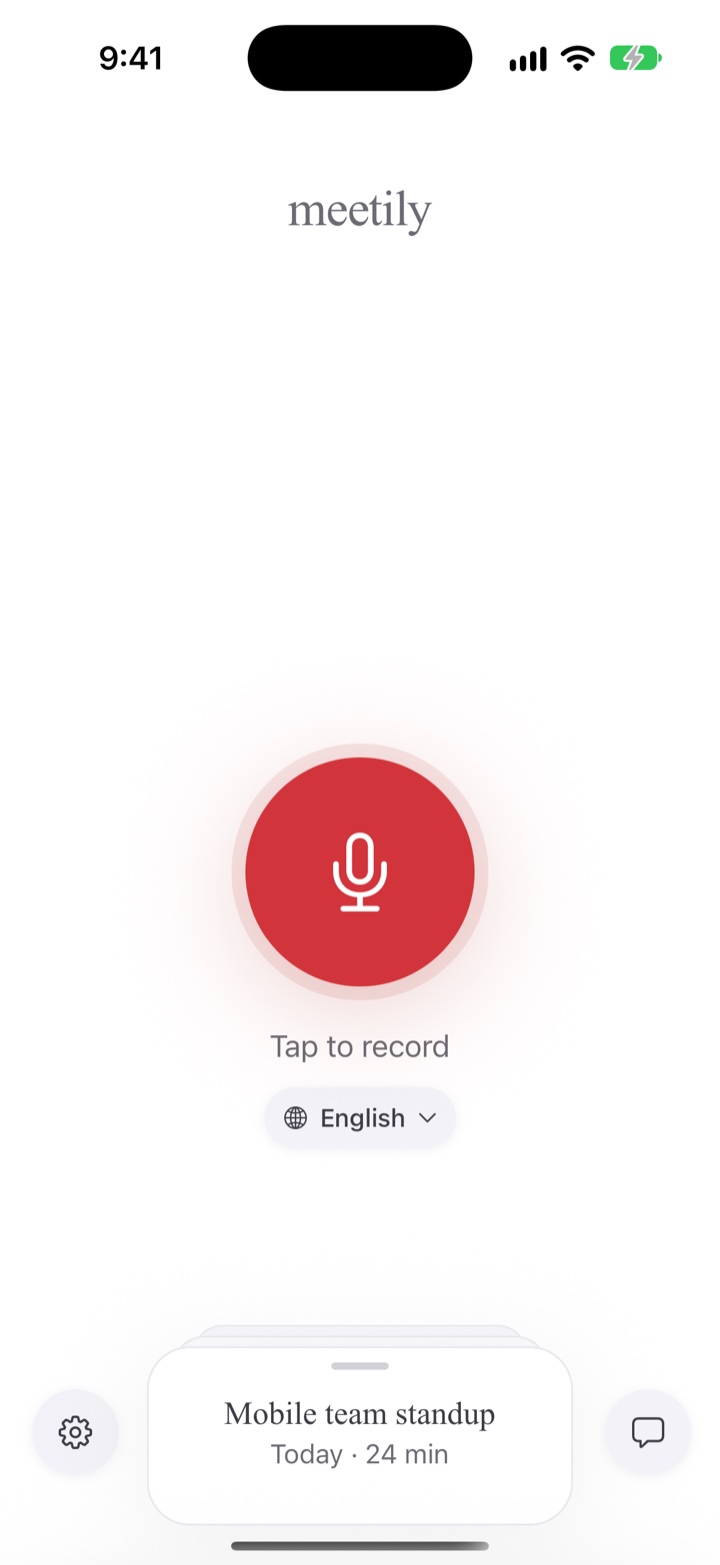
Record
Tap the red button.
Recording keeps going when you lock the phone.
Try it: lock the phone, or hold to talk. This is a demo; it does not use your microphone.Read
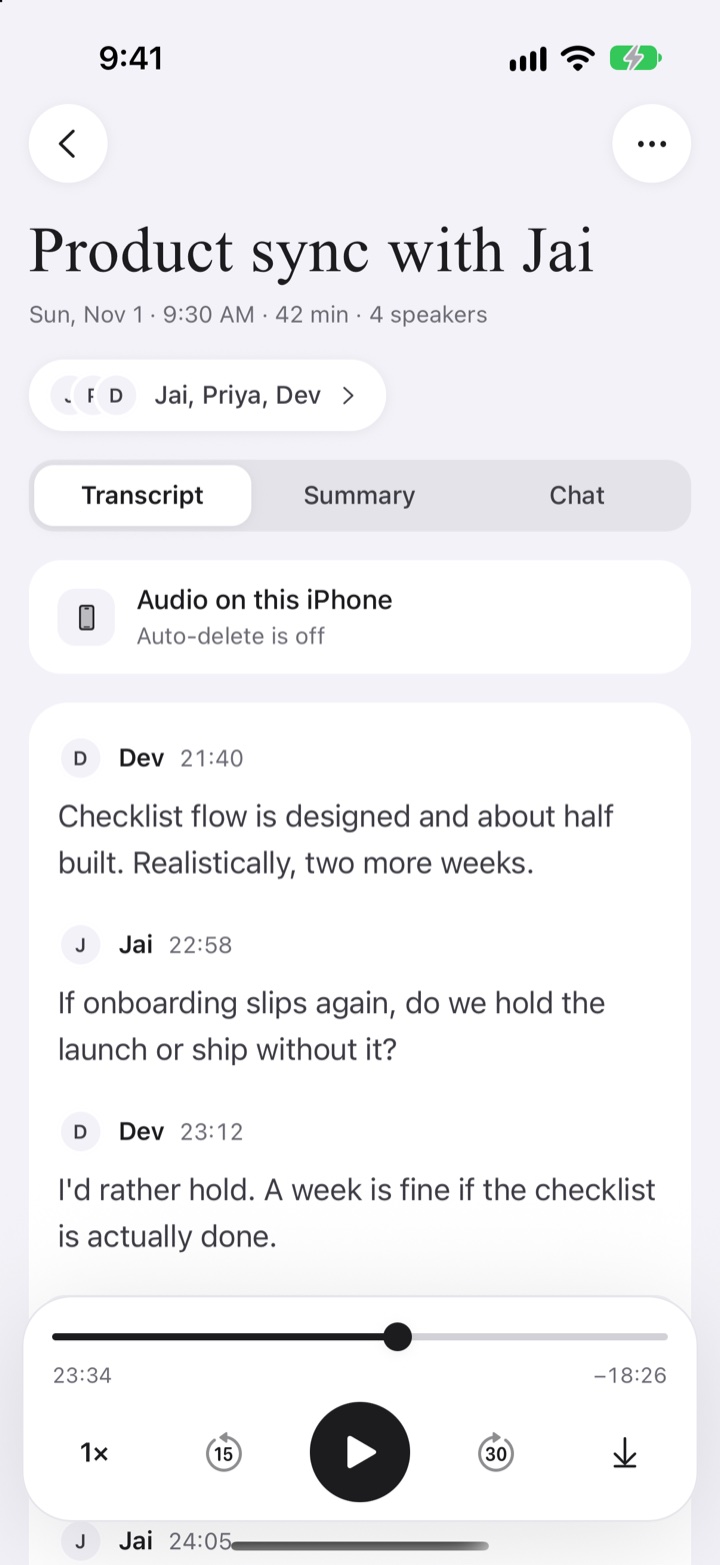
A transcript with speakers.
Get a transcript with speaker labels. Name the speakers.
Find
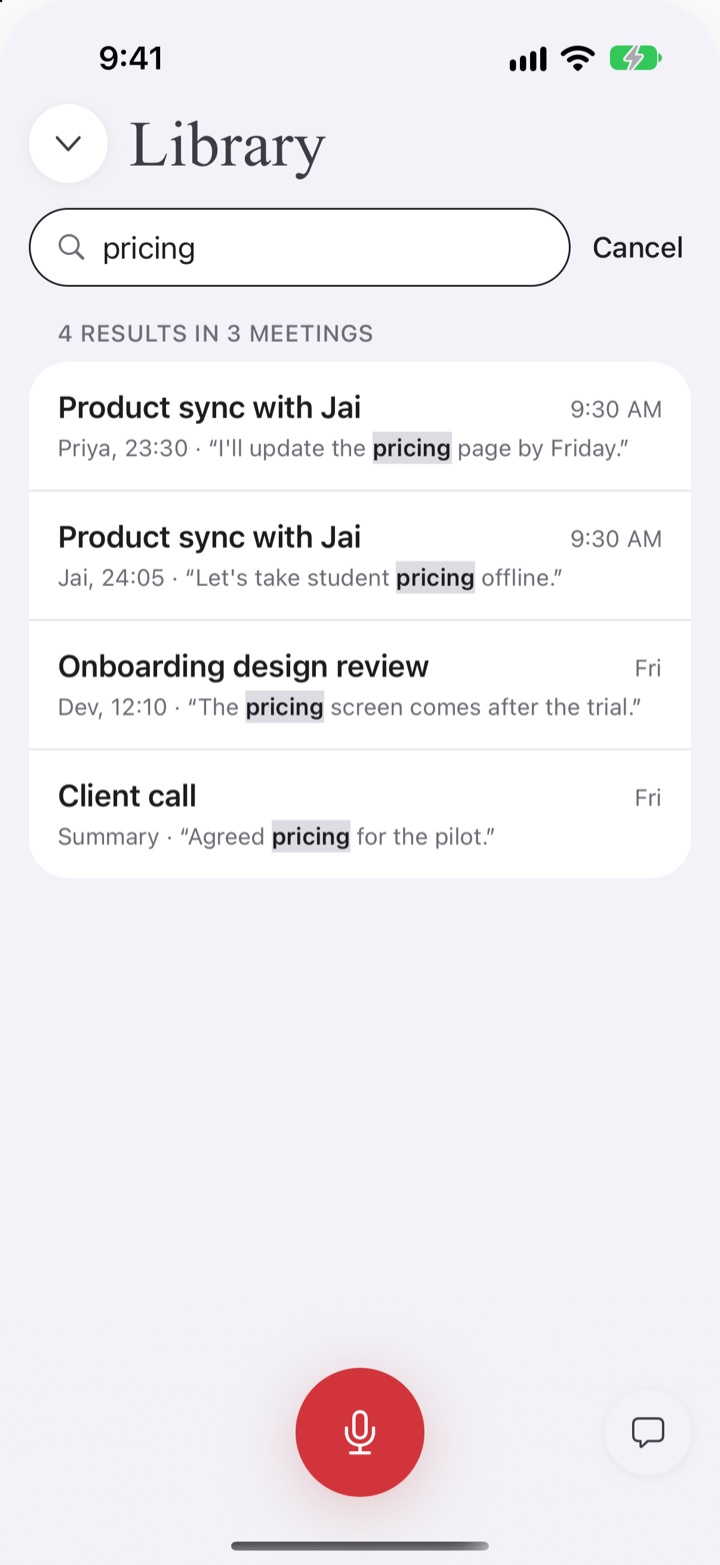
Find any moment.
Search every meeting.
Ask
Summaries your way.
Connect your own AI provider or your Mac for summaries and chat.
What stays on your iPhone.
Switch on what you would use and see what leaves the phone.
Your iPhone
Audio, transcripts, speaker names, summaries and chat history.
Stored in the app’s own storage on your phone. No Meetily server receives them. No account, no analytics, no ads, no tracking.
With nothing switched on, your meetings stay on your iPhone.
Speech models download from Hugging Face the first time they are needed. Nothing about your meetings is sent.
Ten languages.
- EnglishEnglish
- DeutschGerman
- FrançaisFrench
- EspañolSpanish
- ItalianoItalian
- PortuguêsPortuguese
- NederlandsDutch
- 日本語Japanese
- 한국어Korean
- 中文Chinese
Join in three steps.
Get TestFlight
Install TestFlight from the App Store on your iPhone.
Open the beta link
Open the Meetily beta link on the same phone.
Install Meetily
Follow TestFlight's prompts. It needs iOS 26 or later.
About the beta.
What you get
The newest build. Each build works for 90 days.
What we want to hear
How long your recordings ran with the screen locked, anything missing from a transcript, and anything hard to read with larger text or dark mode.
How to send feedback
Take a screenshot in the app and TestFlight offers to send it. Or go to Settings > Help > Send a support report, then tap Share Report.
Any issues?
Use the support button, or go to iPhone support. We aim to reply within 72 hours.