Why Users Switch from Fathom
Save money, gain privacy, and eliminate meeting bot awkwardness
Meetily vs Fathom: Key Differences
See why privacy-conscious professionals choose Meetily over Fathom
Free Personal / Pro $10 vs $19-39/mo
Meetily: Community Edition free, Pro $10/user/month (billed annually) for advanced features. Fathom: $19-39/month per user. Save 50-75% with Meetily Pro.
No Bot vs Bot Required
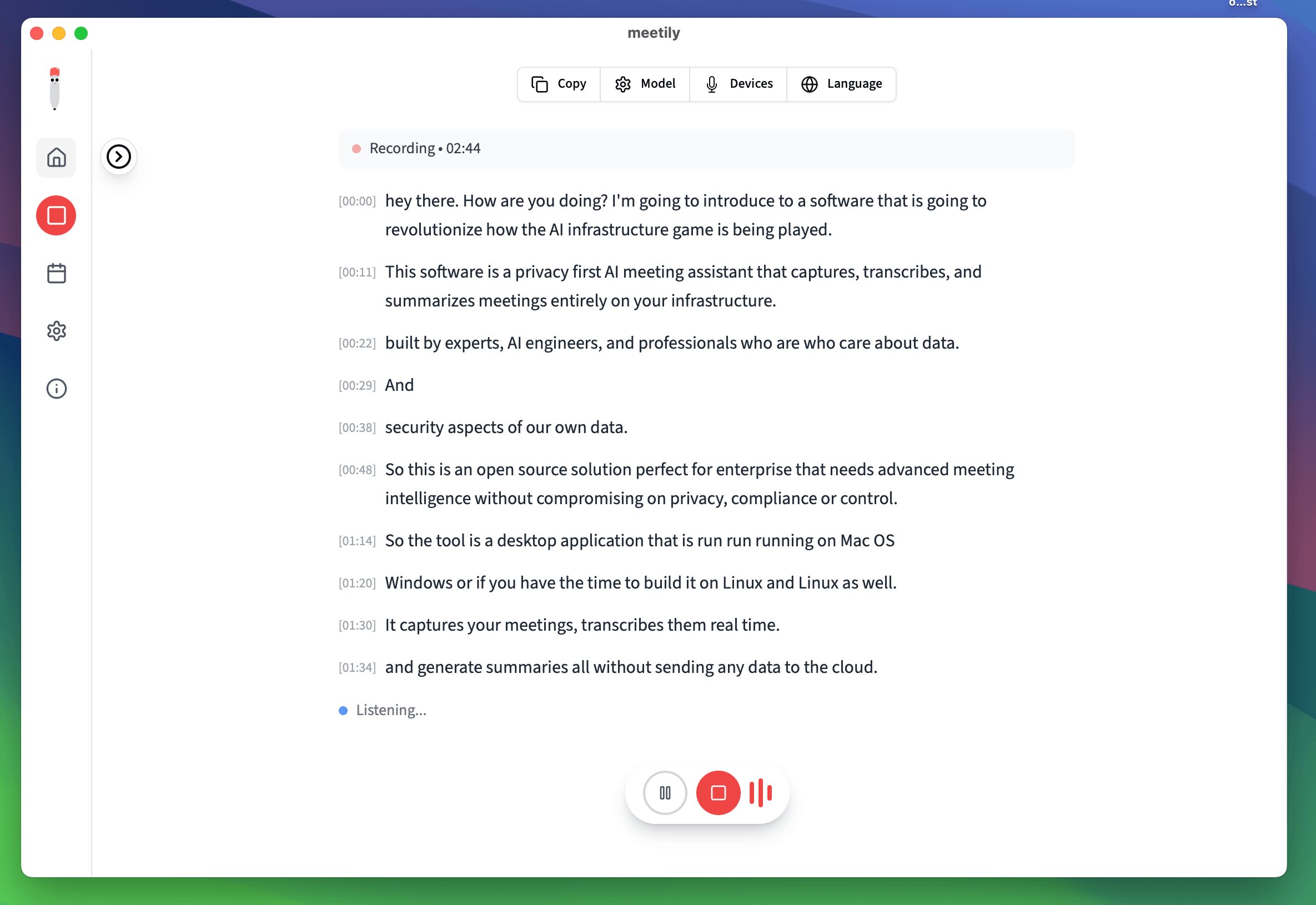
Meetily: Records invisibly by capturing system audio. No bot joins your meetings. Fathom: 'Fathom Notetaker' bot must join every call, visible to all participants.
Local vs Cloud Processing
Meetily: 100% local - your audio never leaves your device. Fathom: Uploads meeting audio to cloud servers for processing by third parties.
Universal vs Limited Platforms
Meetily: Works with any audio source - all meeting platforms, phone calls, videos. Fathom: Limited to specific supported platforms with required integrations.
Complete Privacy
Meetily: No accounts, no data collection, works offline. Fathom: Requires account, stores data in cloud, needs internet connection.
Open Source Transparency
Meetily: MIT licensed, full source code available for audit. Fathom: Proprietary closed-source software - no visibility into data handling.
Feature-by-Feature Comparison
A detailed look at Meetily vs Fathom capabilities
Fathom
- ❌$19-39/month subscription required
- ❌Bot joins every meeting visibly
- ❌Audio uploaded to cloud servers
- ❌Limited to supported platforms
- ❌Requires account and internet
- ❌Proprietary closed-source
Meetily
- ✅Free personal / Pro $10/user/month billed annually / Enterprise custom
- ✅Invisible - no bot joins meetings
- ✅100% local processing on your device
- ✅Works with any audio source
- ✅No account needed, works offline
- ✅Open source, MIT licensed
| Feature | Meetily | Fathom |
|---|---|---|
| Price | Free personal / Pro $10 | $19-39/month |
| Meeting Bot | Not Required | Required |
| Data Processing | 100% Local | Cloud-Based |
| Speaker Identification | Yes, On-Device | Yes, Cloud |
| AI Summaries | ✅ Local AI | ✅ Cloud AI |
| Action Items | ✅ Included | ✅ Included |
| Offline Mode | ✅ Full Offline | ❌ Internet Required |
| Source Code | Open Source | Proprietary |
Switch from Fathom to Meetily
Start using free, private meeting notes in minutes
1. Export Your Fathom Data
Download your existing meeting transcripts and notes from Fathom. You can keep your historical data while preparing to switch.
2. Download Meetily
Install Meetily on your Windows or Mac computer. No account creation, no credit card, no complicated setup required.
3. Enjoy Free Meeting Notes
Start your next meeting and get automatic transcription, summaries, and action items - all processed locally with complete privacy.
Fathom vs Meetily: Common Questions
Get Free Meeting Notes Today
Stop paying for Fathom. Get the same features free with complete privacy.
✅ Save $228-468/year · ✅ No Meeting Bots · ✅ 100% Private · ✅ Unlimited Use
Why Choose Meetily Pro?
Privacy-First Architecture
Transcription runs 100% locally; recordings and audio never leave your device. For summaries, you choose your provider: local AI or your own API key. Compliant by design with GDPR and HIPAA workflows.
Advanced AI Features
Real-time transcription, speaker identification, action item extraction, meeting summaries, and custom AI workflows.
Priority Support
Dedicated support team, direct access to engineers, custom integration assistance, and priority bug fixes.
Flexible Deployment
On-Device deployment. Local file access for custom integrations and workflows.
Have questions? or join our GitHub community