How to record a meeting on iPhone
To record a meeting on iPhone, open Voice Memos or Notes and tap record. On iPhone 12 or later both can write a transcript. For speaker labels and search across every meeting, use Meetily for iPhone: it writes the transcript on the phone, with no bot in the call and no account.
The iPhone's own options
Two apps that come with the iPhone can record a meeting and write a transcript.
Voice Memos
Tap record and Voice Memos captures the room. It can also write a transcript: watch it appear while you record (swipe up from the top of the waveform, then tap the transcript button) or open it afterwards. Search finds words in recording titles and transcripts.
Notes
In a note, tap the attachment button, then Record Audio. A transcript appears as people talk, and you can search it, copy it or add it to the note. A summary of the recording needs Apple Intelligence, which on iOS 27 means an iPhone 15 Pro, iPhone 15 Pro Max or iPhone 16 or later, and it is not in every language or region.
Phone and FaceTime calls
With iOS 18.1 or later you can record a phone or FaceTime call where Apple offers the feature, and the transcript lands in Notes. Both people hear a notice that the call is being recorded, and Apple asks you to get the other person's consent first.
Zoom, Teams or Google Meet on the same iPhone
The iPhone has no simple built-in way to record these calls. Apple notes that some apps don't allow their audio or video to be recorded, and a screen recording often doesn't capture the call's audio. Use the meeting app's own recording, or run a recorder on a second device on the table.
Transcripts in Voice Memos and Notes need an iPhone 12 or later and one of these languages: English, Spanish, Portuguese, Italian, French, German, Japanese, Korean, Simplified Chinese or Traditional Chinese. They are not available in every country or region.
Record and transcribe with Meetily for iPhone
Speaker labels, search across all your meetings and ten languages, with no account. A free TestFlight beta for iPhones with iOS 26 or later.
Transcripts on the phone
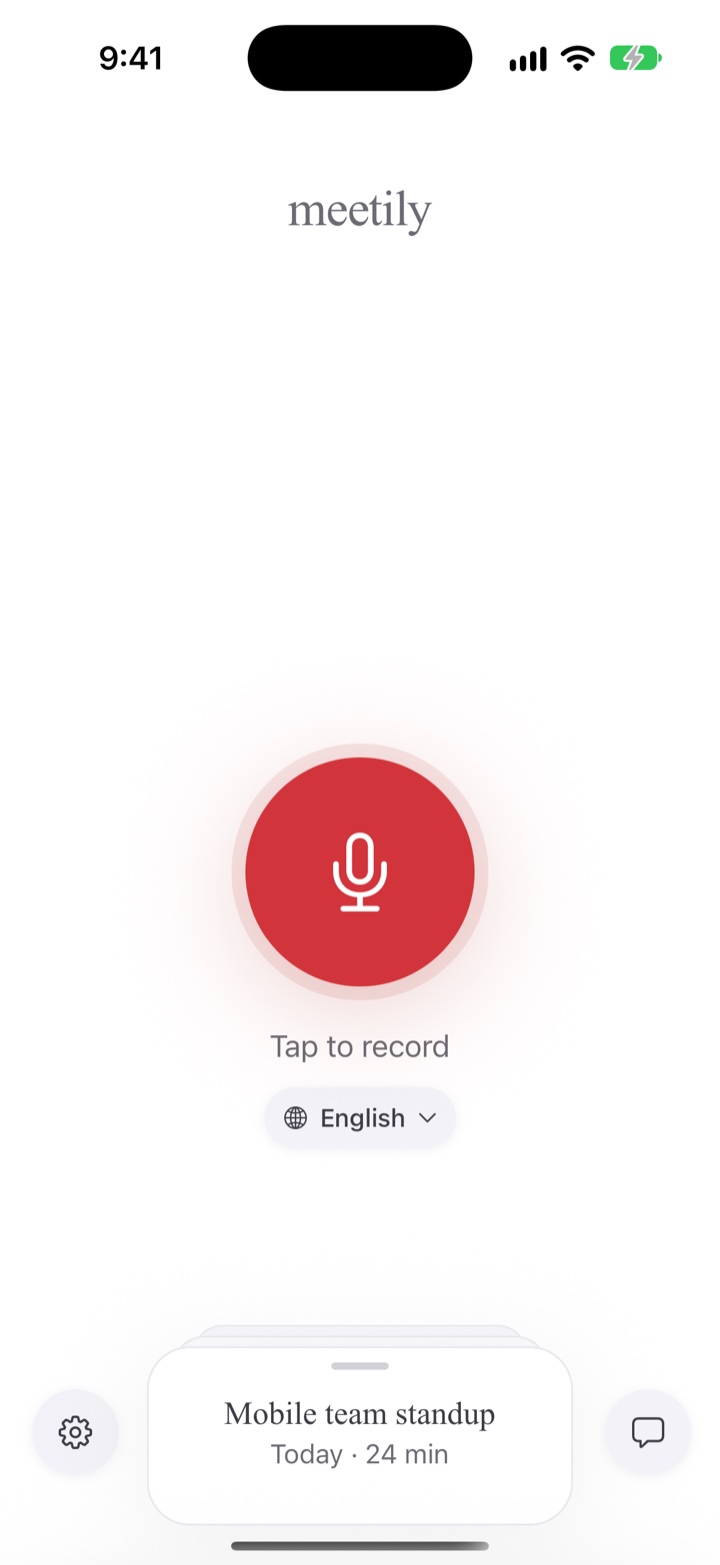
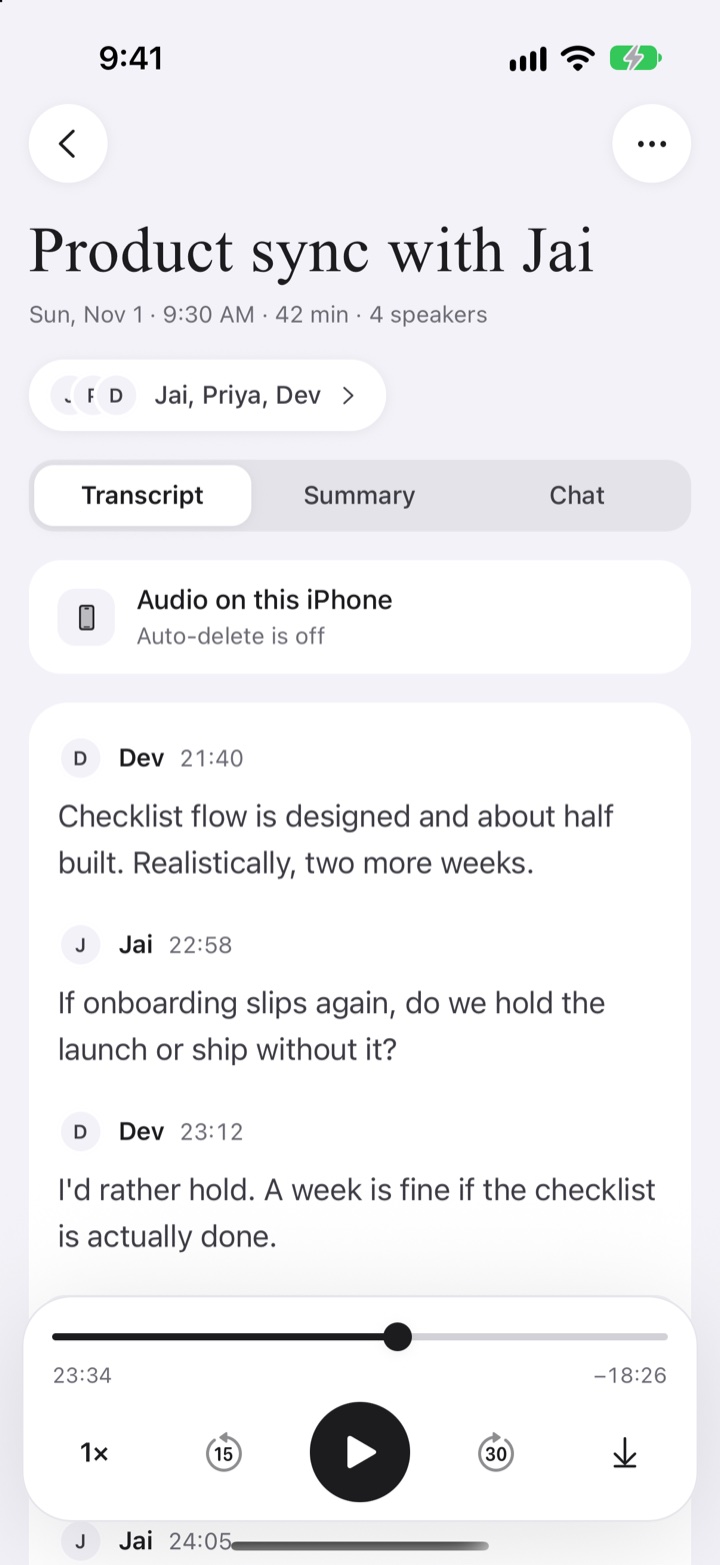
Meetily records with your iPhone's microphone and writes the transcript on the phone. It keeps recording when you lock the phone or switch apps.
Speaker labels
Each line is tied to a speaker. Name the people who spoke, or recheck how many there were.
Search every meeting
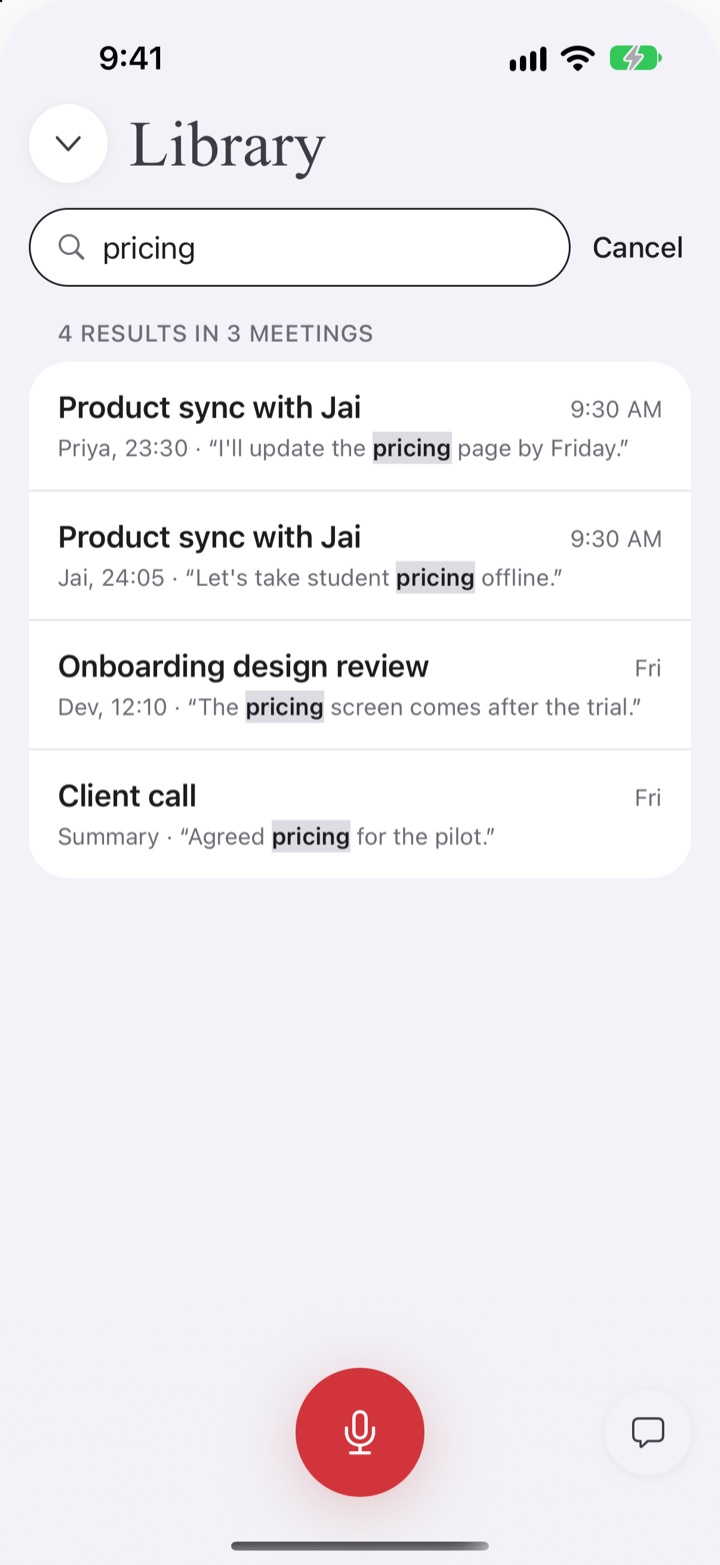
Search across meeting names and transcripts to find the moment you need.
No account, no bot
No sign-in and no bot in the call. No account, no analytics, no ads, no tracking. Nothing is uploaded unless you choose where it goes.
Ten languages
English, German, French, Spanish, Italian, Portuguese, Dutch, Japanese, Korean, Chinese.
Summaries if you want them
Summaries and chat are off by default. Turn them on with your own AI key (OpenAI, Anthropic, OpenRouter or an OpenAI-compatible server), or pair with Meetily on your Mac.
Install TestFlight from the App Store first, then open the beta link on the same iPhone.
Tips for a good recording
Tell people first
Please tell the people in your meeting that you are recording. In the US, federal law needs the consent of one person in the conversation and many states need everyone's, and rules differ in other countries too.
Get the phone close
Put the iPhone on the table near the people speaking, with the microphone uncovered. Closer and quieter beats louder.
Set up before the meeting
Open Meetily once ahead of time so its speech model has finished downloading (Wi-Fi helps), and pick the languages you need.
Name speakers right away
Name the speakers soon after the meeting, while you still remember who said what. Search works better when the meeting has a clear name too.